
Lighting for Focus
Shape light around the way you work.
A considered workspace uses more than one source of light. Balanced ambient illumination, adjustable task lighting and thoughtful screen positioning can help create a calmer desk for reading, planning, writing and focused computer work.
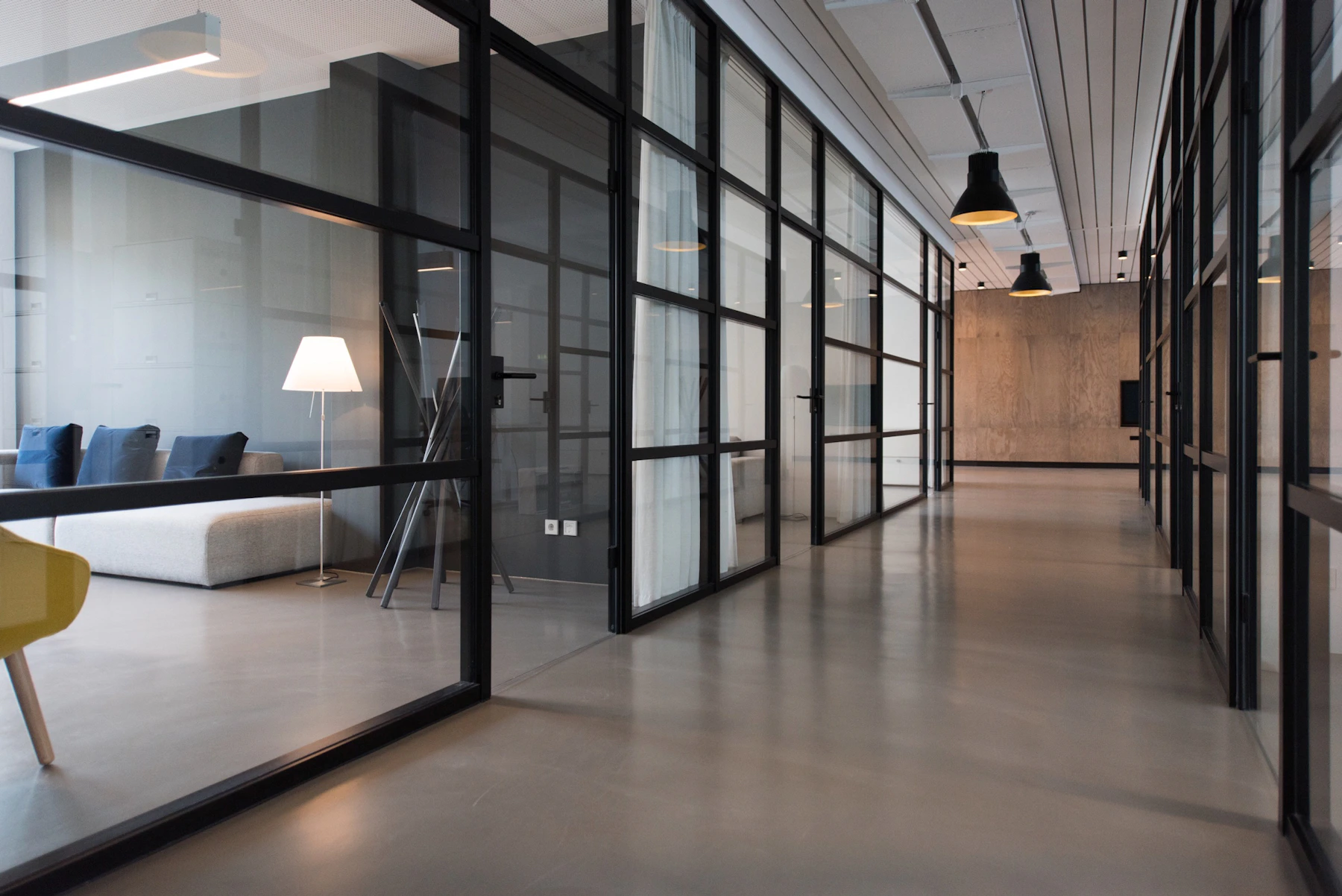
Avoid a bright screen surrounded by a very dark room.
A movable lamp supports changing documents, devices and desk tasks.
Keep concentrated light outside the display reflection angle.
Organized power access makes frequent lighting changes easier.
Build a workspace that is bright without feeling harsh.
The most adaptable setups use several moderate light sources rather than relying on one intense fixture. Each layer has a different role and can be adjusted as daylight, screen use and desk tasks change.
Ambient room light
Broad, indirect illumination softens contrast between the display, desk and surrounding room.
- Use ceiling, wall or reflected light to establish an even base.
- Avoid placing the only room light directly behind the monitor.
- Let daylight contribute without allowing it to overpower the screen.
Adjustable task light
A directed lamp gives documents, notebooks and detailed desk work a controllable pool of light.
- Choose a head or arm that can be repositioned without moving the whole desk.
- Place the lamp opposite your writing hand when practical.
- Direct the beam toward the work surface rather than toward your eyes.
Screen environment
Monitor height, window position and nearby light sources all influence the visual character of the desk.
- Angle displays away from windows or concentrated reflections.
- Keep the area behind the screen softly illuminated when possible.
- Review brightness as daylight changes instead of leaving one fixed setting.

Aim the light at the task, not at the display.
A flexible lamp can serve many work modes, but its usefulness depends on where the light lands. Start with the surface you need to see, then check the screen and nearby glossy objects for reflections.
-
Keep the source outside your direct line of sight. The lamp head should illuminate the desk without becoming the brightest object you see.
-
Check the monitor from your normal seated position. A small lamp adjustment can move a reflection away from the working area of the screen.
-
Leave room for monitor arms and laptop stands. Position the lamp base where equipment can still move through its intended range.
-
Route the power cable before final placement. A clean cable path supports adjustment without creating tension or clutter.
Adapt the setup to the work in front of you.
Different tasks place attention in different areas. A useful lighting plan makes it easy to shift from screen work to paper tasks, meetings or evening planning without rebuilding the entire desk.
Reading and paperwork
Direct light across the page from the side, keeping the brightest portion of the beam on the document rather than on the keyboard or screen.
Focused screen work
Use softer room light and keep concentrated sources away from the monitor reflection angle. Reassess brightness when daylight shifts.
Calls and collaboration
Place a gentle light in front of or slightly beside the workstation, while keeping the background balanced and free from intense exposed bulbs.
Evening planning
Reduce unnecessary room brightness while keeping notebooks, controls and walking paths clearly visible. Use gradual changes rather than abrupt contrast.
Lighting works better when adjustment is effortless.
A lamp, power station and cable route should function as one workspace system. Keep switches accessible, avoid stretched cables and preserve enough clear desk area for monitor, laptop and document movement.

Use light to support the entire desk environment.
Lighting interacts with furniture placement, monitor height, storage, cable management and the amount of visual clutter around the work surface. A clear setup is easier to illuminate evenly and easier to maintain.

Keep reflective surfaces in mind
Glossy monitor screens, glass accessories and polished desktops may reveal light sources that are not noticeable from another position.
Review the setup from each work position
A seated desk, standing desk and nearby reading area may need slightly different lamp angles or ambient support.
A simple lighting setup sequence.
Make one adjustment at a time, return to your normal working position and review the result before changing another part of the room.
Start with room light
Establish a comfortable general brightness before switching on the task lamp.
Set the monitor position
Adjust height and angle, then look for window or fixture reflections from your seat.
Add directed light
Aim the lamp at the current task area while keeping the source outside direct view.
Organize power
Secure cables and keep controls accessible without obstructing desk movement.
Recheck after use
Review the setup during real work and make small adjustments as daylight changes.
Practical answers for everyday desks.
These general suggestions are intended to help plan a more considered workspace. Product controls, electrical ratings and installation guidance should always be followed according to the instructions supplied with each item.
Should a desk lamp be placed beside or behind a monitor?
How can I reduce glare without making the room too dark?
What type of light works well for reading and writing?
Where should lighting cables and power controls be located?
Should lighting change between seated and standing work?
How often should I review my lighting setup?
Create a calmer, more adaptable workspace.
Explore Postura products for task lighting, monitor positioning, desktop power, cable organization, desk support and practical workspace maintenance.