
Posture Support
Support begins with a more considered setup.
Posture support is not one fixed position. It is the relationship between your chair, desk, screens, input devices, foot support and the way you move through the day. Thoughtful adjustments can help create a workspace that feels easier to use and more adaptable over time.
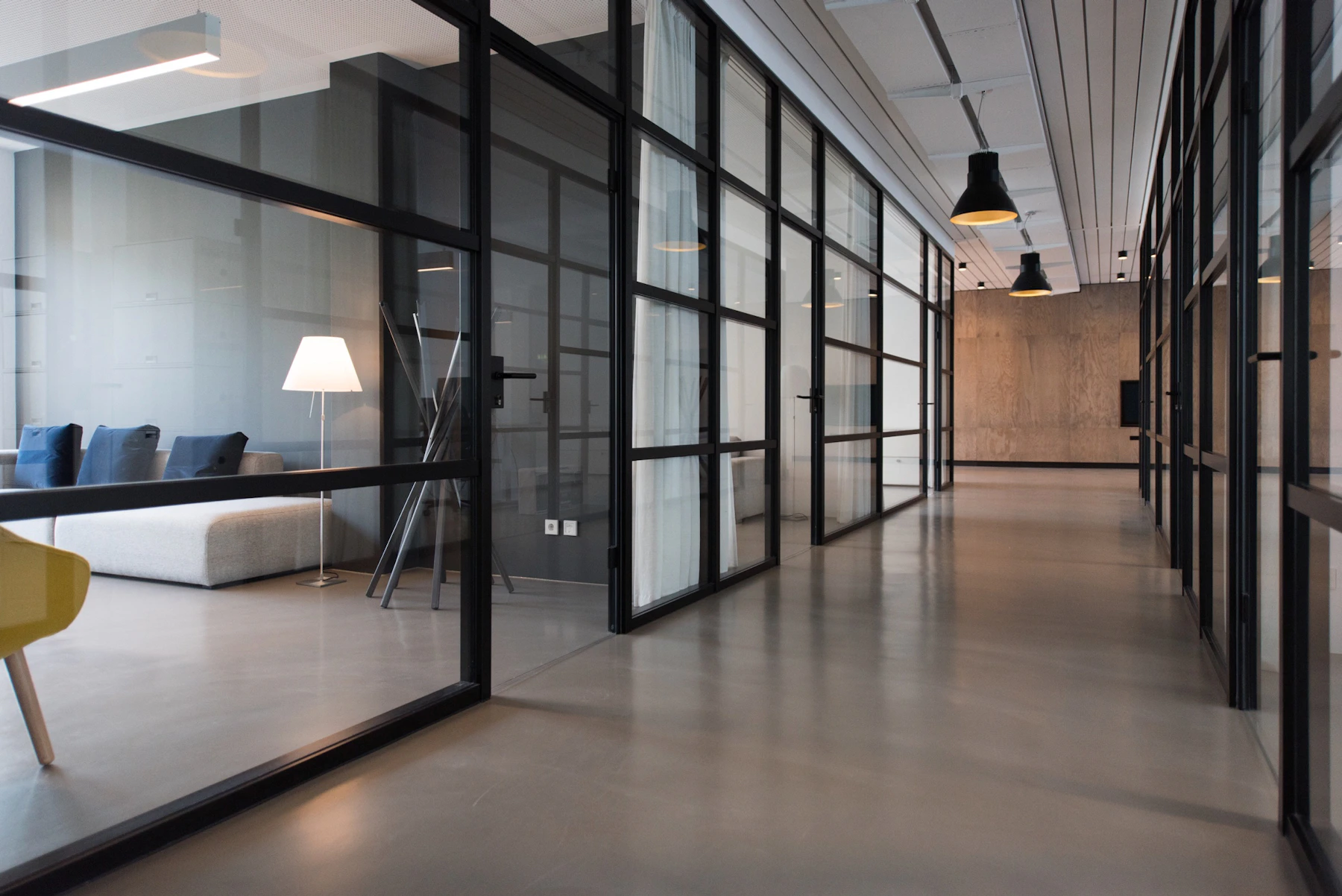
Posture support comes from how the parts work together.
Instead of treating each product as a separate fix, consider the complete working position and how every adjustment changes the next.
Chair and desk
Coordinate seat height, desk height and working surface so frequently used tools remain comfortably accessible.
Ergonomic chairs · Standing desks · Desk converters
Screen position
Use monitor arms, mounts or risers to create clearer sightlines and preserve useful desk space.
Monitor arms · Multi-monitor mounts · Risers
Keyboard and wrist area
Keep input devices positioned where the shoulders, arms and hands can work without unnecessary reach.
Wrist rests · Desk mats · Laptop support
Feet and standing surface
Add foot support or an anti-fatigue surface where it helps create a steadier seated or standing setup.
Footrests · Anti-fatigue mats · Standing support

Adjust one relationship at a time.
Small changes are easier to evaluate when they are made in sequence. Begin with the foundations of the workspace, then refine screens, input devices and support accessories.
-
01
Set the chair and working surface
Begin with a stable seated position and a desk height that suits the task.
-
02
Place the main screen
Keep the primary display centered around the work you perform most often.
-
03
Position the keyboard and mouse
Bring input devices close enough to reduce unnecessary reaching across the desk.
-
04
Add foot or wrist support
Introduce accessories only where they support the working position you have created.
-
05
Check clearance and cable movement
Leave enough room for monitor movement, standing transitions and device changes.
Support is easier when the workspace allows variety.
No single position needs to define the whole workday. A flexible setup makes it easier to shift between seated work, standing tasks and short resets.
Create a stable base for focused tasks.
Coordinate the seat, desk, screen and input area around the work that requires the most concentration.
- Keep primary tools within practical reach.
- Use foot support where the floor position feels less stable.
- Leave space to change the chair or desk position.
Adjust the surface without losing organization.
Standing desks, converters and flexible monitor support can help preserve a clear working relationship as height changes.
- Check screen and keyboard height after every major adjustment.
- Use an anti-fatigue mat where it suits the space.
- Keep cables long enough for safe desk movement.
Use short transitions to review the setup.
A brief reset can be a useful time to clear the desk, move a screen, reorganize documents or return devices to their preferred position.
- Clear items that no longer support the current task.
- Reposition accessories after switching devices.
- Keep cleaning and cable tools easy to reach.
Choose products by the role they play.
A useful posture support setup may combine only a few well-chosen essentials. Focus on compatibility, adjustability, desk size and the tasks you repeat most often.

Thoughtful support without exaggerated promises.
Our focus is practical workspace positioning, adaptable organization and products that may help create a more comfortable working environment.
Start with the workspace you already have.
Review your desk dimensions, devices, preferred working positions and the products already in use before adding new support accessories.
Which posture support product should I choose first?
How do I know whether a monitor arm will suit my desk?
Can I use a footrest with an adjustable chair?
What should I review when switching between sitting and standing?
Do wrist rests need to stay in place all day?
Does posture support replace professional medical advice?
Support the way you work, one adjustment at a time.
Explore Postura essentials for ergonomic seating, screen positioning, foot and wrist support, standing transitions and clearer workspace organization.